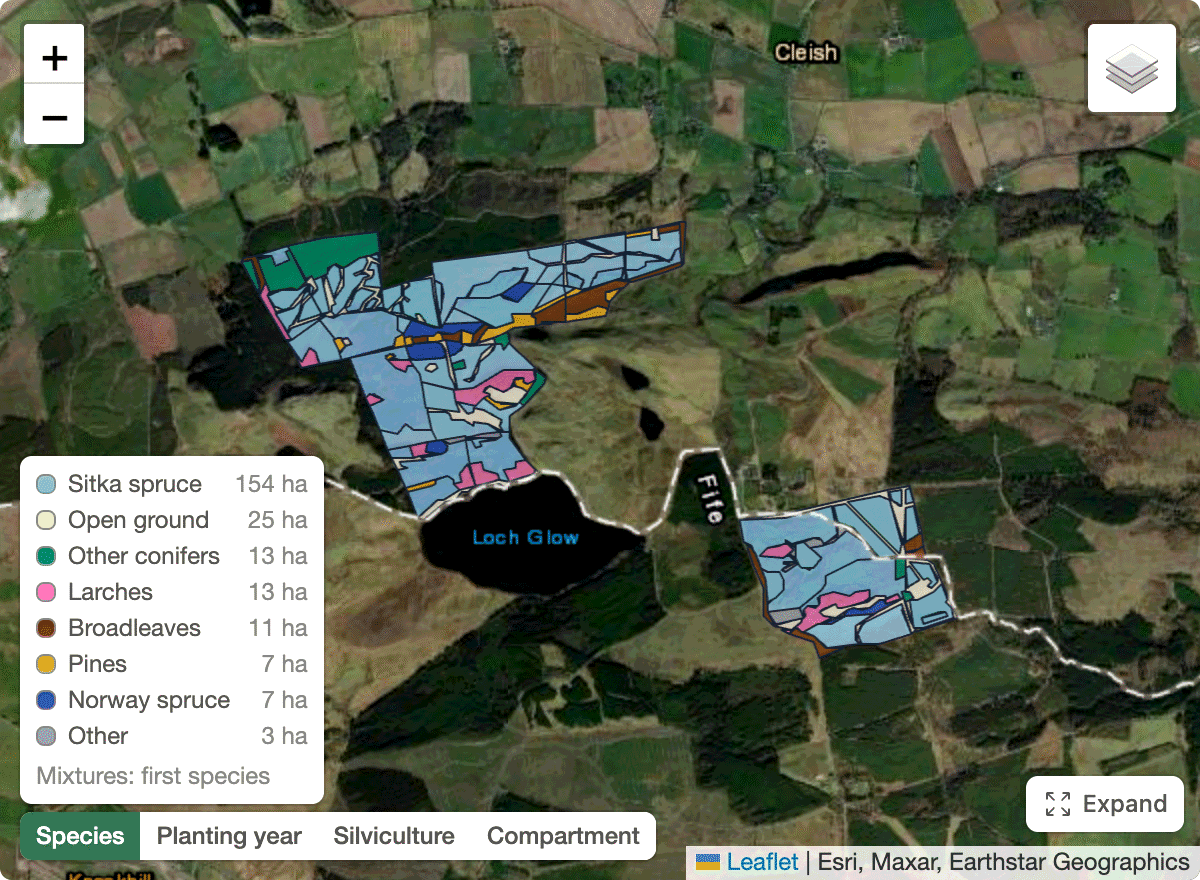
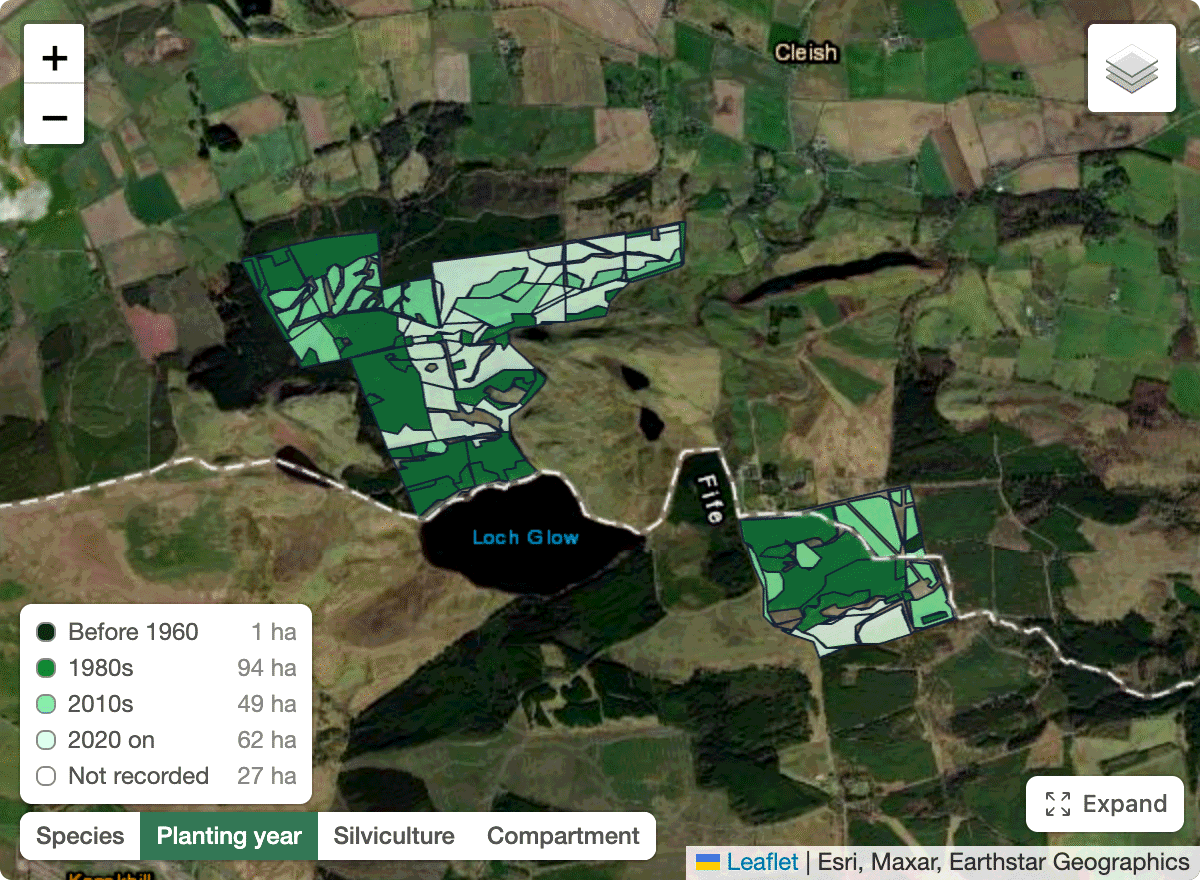
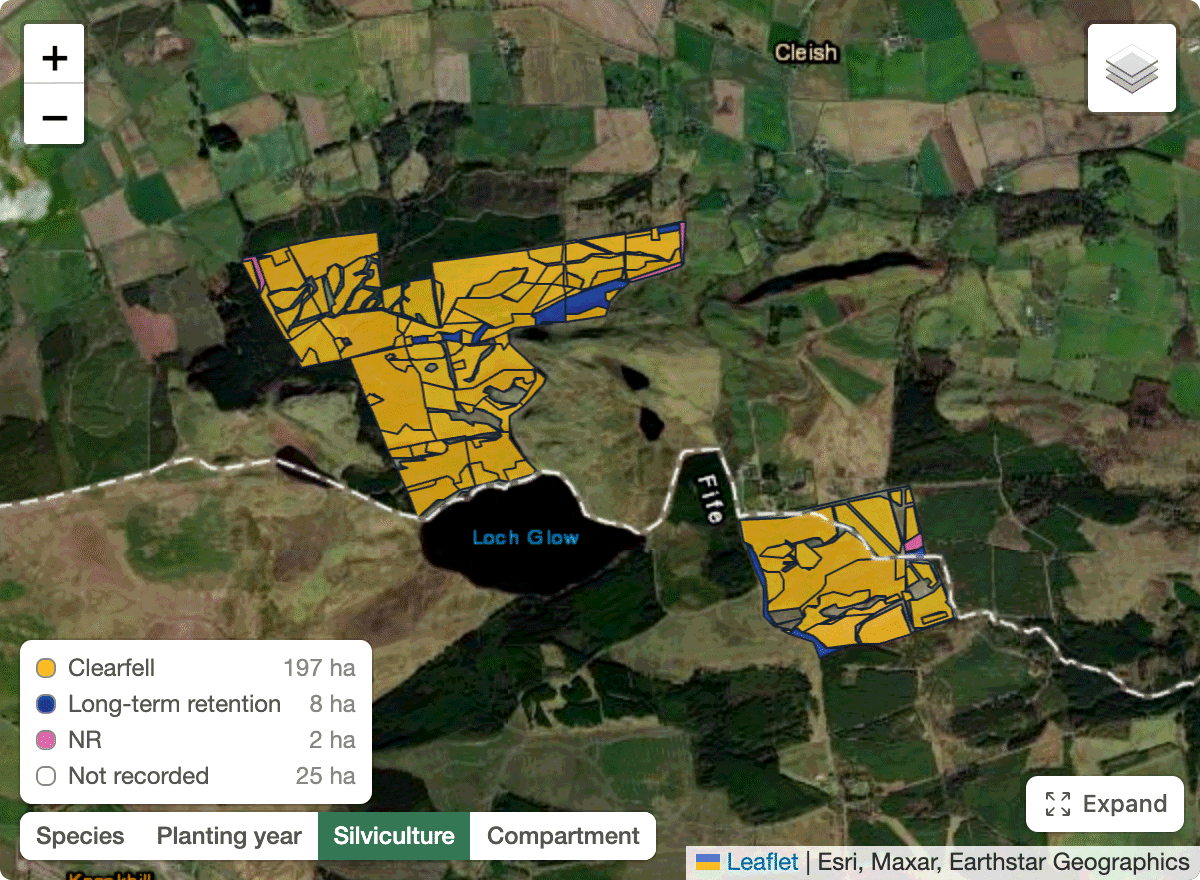
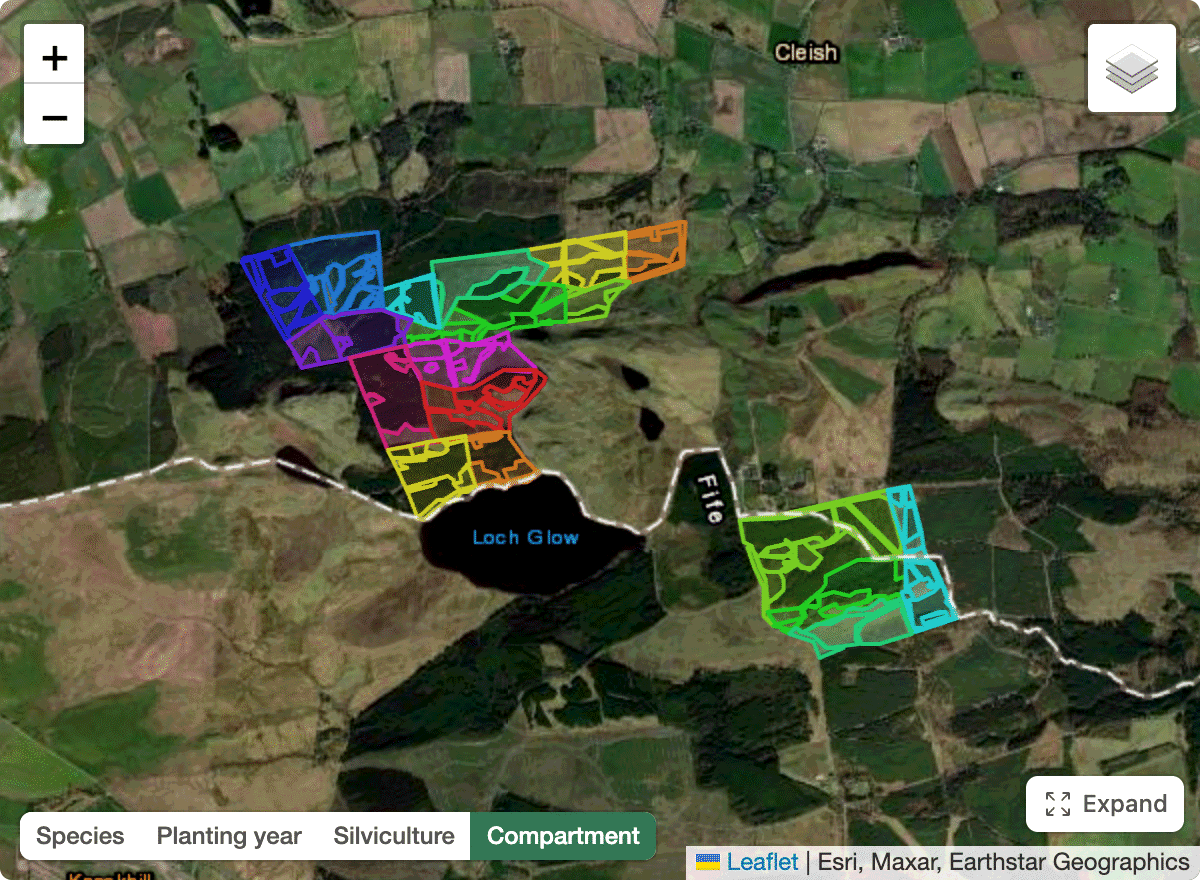
Forest map colouring and legend
Forestry maps can now be coloured by Species, by Planting year, by Silviculture, or by Sub-Compartments.

Updates and improvements to Spruce.
Forestry maps can now be coloured by Species, by Planting year, by Silviculture, or by Sub-Compartments.
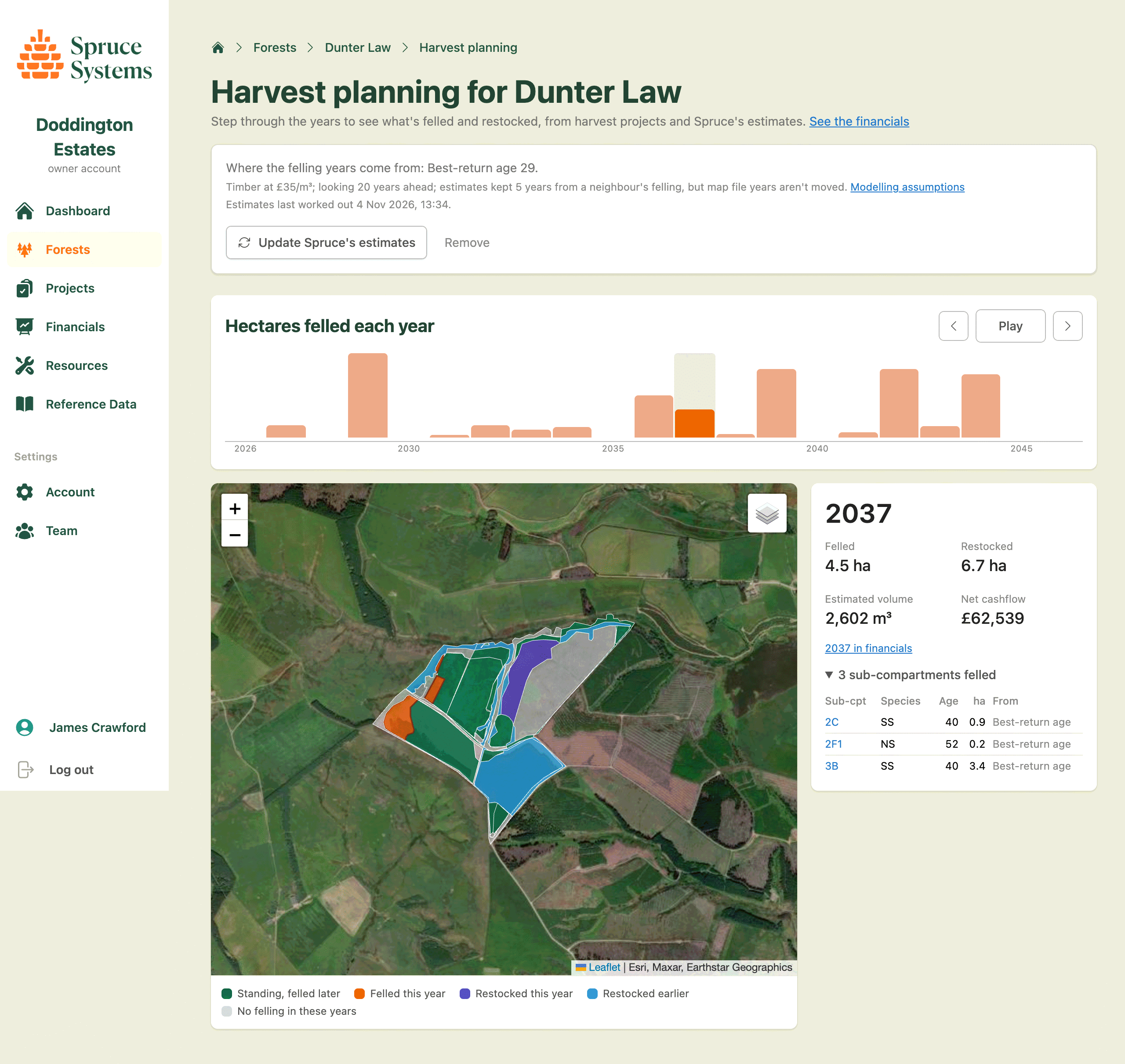
Every forest now has a harvest planning page. Spruce combines your map data with field measurements, yield tables and any harvesting and restocking you already have planned to build a complete long-term plan. Change the assumptions, such as the timber price, felling ages, restocking costs, and update the estimates to see how the plan shifts. Adjacency rules keep neighbouring sub-compartments from being felled within a few years of each other.
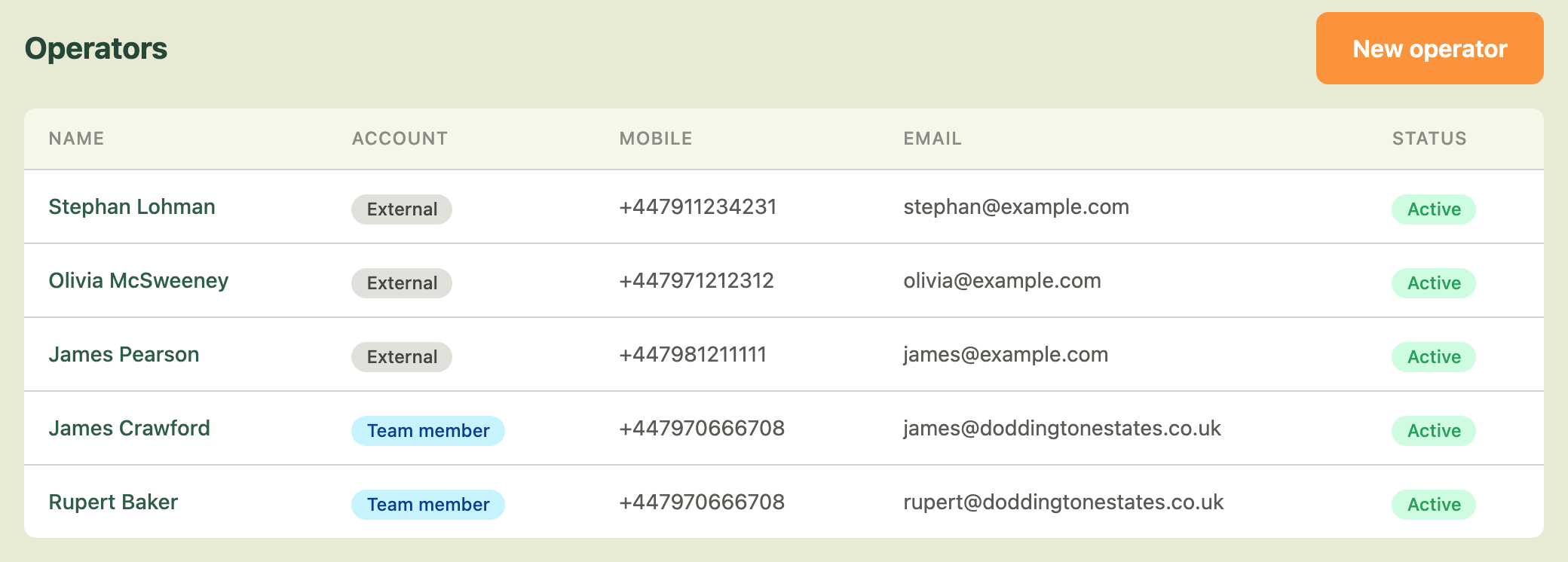
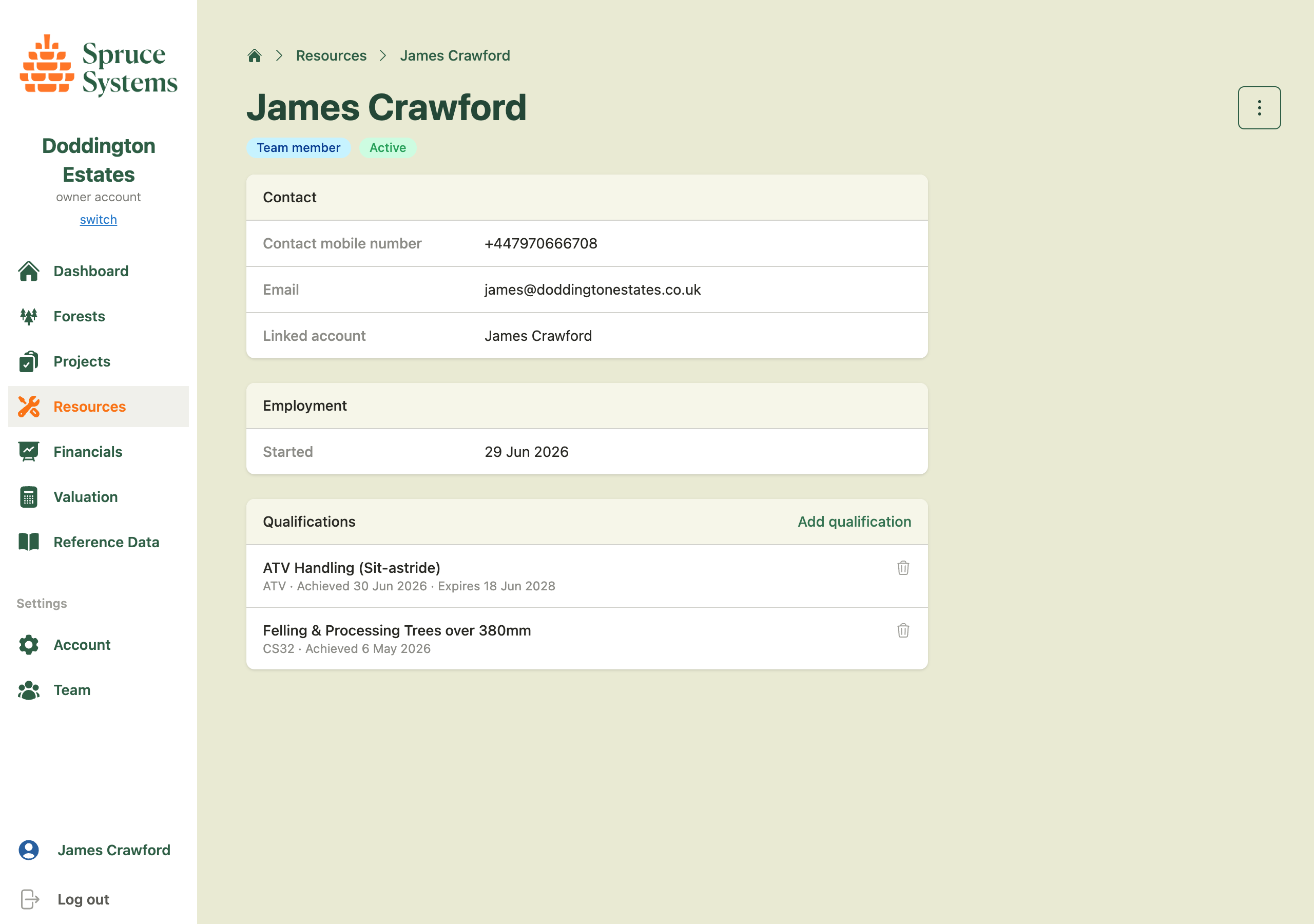
Alongside your machines, you can now manage the people who operate them. The Resources section of your organization lists your operators, each of whom can be linked to a Spruce team member or recorded as an external operator with just a name and contact details. Record the qualifications each operator holds, such as chainsaw, first aid, pesticides and machine tickets, with expiry dates so you can see at a glance who is due a renewal.
Operators can be assigned to projects and tasks over a date range, optionally on a specific machine. Where an assignment involves a machine, Spruce checks the operator's current qualifications against the machine type and shows a Qualified or Not qualified badge on the project.
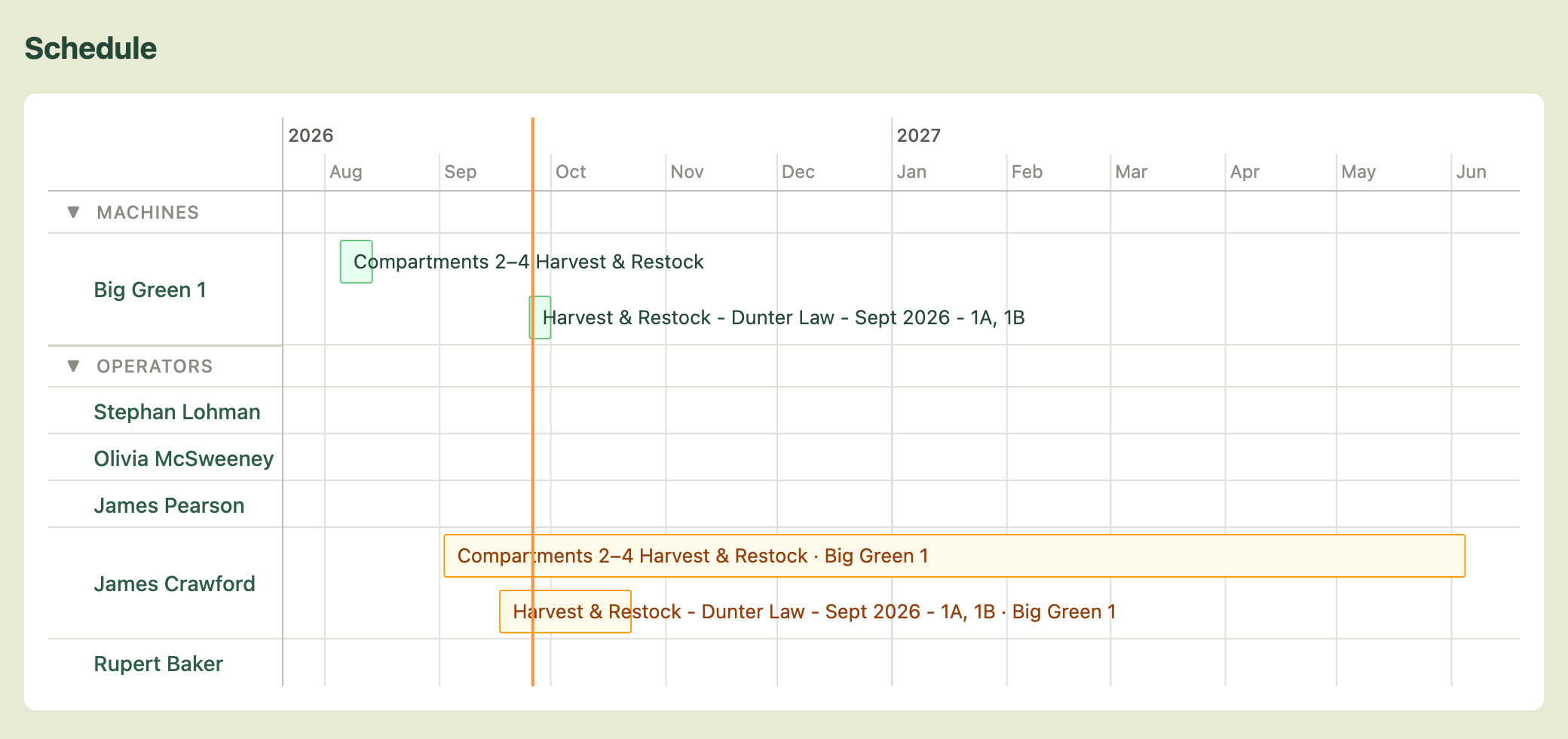
The Resources page also gains a schedule: a timeline with a row for each machine and operator and a bar for each of their bookings, so you can see who and what is committed across your projects. Click a bar to open the assignment.
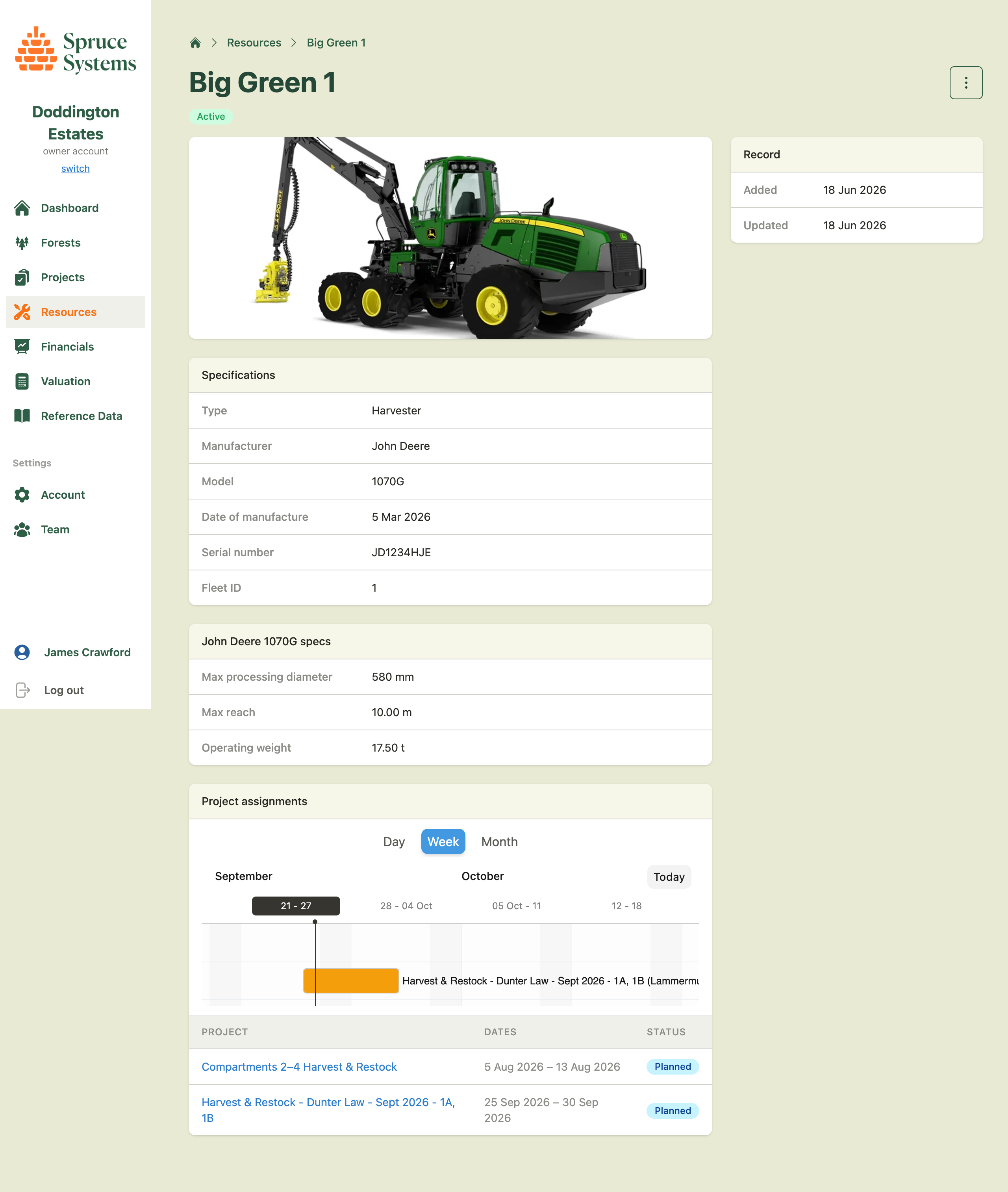
Track your forestry machines and assign them to projects. A new Resources section under your organization lets you register harvesters, forwarders, skidders, chippers, and other equipment — recording manufacturer, model, serial number, and status. Machines can then be assigned to projects with planned and actual date ranges, giving you visibility of what equipment is deployed where across your operations.
The system ships with a built-in catalogue of popular models from John Deere, Ponsse, Komatsu, Rottne, Tigercat, EcoLog, Logset, Caterpillar, and others. If your machine isn't listed you can add manufacturers and models that aren't listed. Next step will be to incorporate data from these machines into Spruce.

You can now calculate the current value and potential future value of your forestry assets within Spruce. Using your own subcompartment data, the UK's Forestry Commission yield tables, and average published timber prices a standing timber valuation can be made along with a theoretical value for an optimised harvesting value.
This feature is still in development but available on all accounts from today. We will be working to add more accurate timber prices and allow more customisation of models for your own use cases. Please message us with any feedback.


You can now invite contractor organizations to collaborate on projects. Contractors receive email invitations and can accept to join projects.
You can now request satellite datasets from Cecil Earth for your subcompartments. Subscribe to datasets for canopy height, carbon density, and canopy cover — delivered from providers like Planet, ESA, and NASA. Historical trends are charted over time so you can track how your forest is changing and compare satellite-derived metrics against your own in-forest measurements.
Enter measurements for your subcompartments and generate a record of timber volume, tree heights, DBH, basal area, and stem density over time.